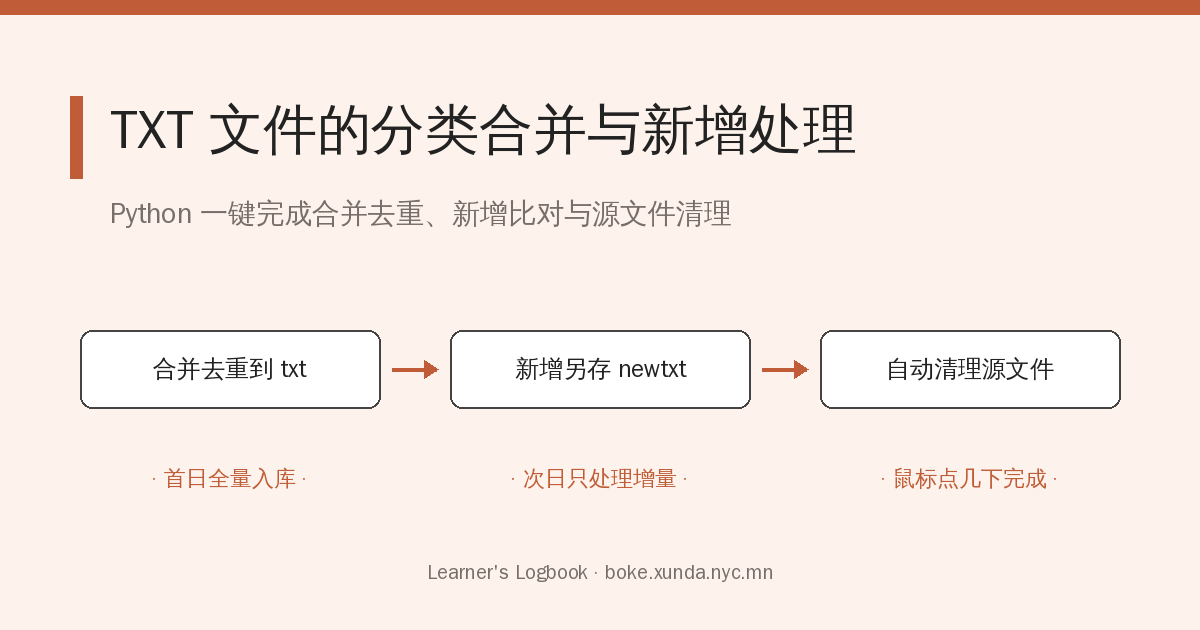
假如每日发布了一组数据(多个不同文件名的TXT文件),首先我们想知道每类(每个文件名)数据的汇总数据(合并、去重),其次我们想知道今日发布的各组数据哪些是新增的数据,如果我们要手工去处理,就非常费时、麻烦,而用Python去处理,只需用鼠标点击几下立即完成。
1. 建立项目文件夹与 Python 脚本
建立一个项目文件夹,如:“TXT数据处理”。建立一个Python文件,代码如下:
import os

def merge_and_append_files(src_file, dest_file, new_dest_file):
    src_content = set()
    dest_content = set()

    # 读取源文件内容
    if os.path.exists(src_file):
        with open(src_file, 'r', encoding='utf-8') as f:
            src_content = set(f.readlines())

    # 读取目标文件 (txt 文件夹) 内容
    if os.path.exists(dest_file):
        with open(dest_file, 'r', encoding='utf-8') as f:
            dest_content = set(f.readlines())

    # 计算新增数据(存在于 src_file 中,但不在 dest_file 中)
    new_data = src_content - dest_content

    # 如果有新增数据
    if new_data:
        # 追加到 txt 文件夹中的文件
        with open(dest_file, 'a', encoding='utf-8') as f:
            f.writelines(new_data)

        # 追加到 newtxt 文件夹中的文件
        with open(new_dest_file, 'a', encoding='utf-8') as f:
            f.writelines(new_data)

def process_files(src_directory='.', txt_directory='txt', newtxt_directory='newtxt'):
    # 获取源文件夹中的所有 .txt 文件
    src_files = [f for f in os.listdir(src_directory) if f.endswith('.txt')]

    # 确保目标目录(txt 和 newtxt)存在
    os.makedirs(txt_directory, exist_ok=True)
    os.makedirs(newtxt_directory, exist_ok=True)

    # 处理每个源文件
    for file in src_files:
        src_file_path = os.path.join(src_directory, file)
        dest_file_path = os.path.join(txt_directory, file)
        new_dest_file_path = os.path.join(newtxt_directory, file)

        # 合并并追加数据
        merge_and_append_files(src_file_path, dest_file_path, new_dest_file_path)

        # 删除源文件
        os.remove(src_file_path)

if __name__ == "__main__":
    process_files()
2. 建立数据文件夹
建立一个名为“txt”的文件夹,将第一天的全部数据(多个不同名称的txt文件)放入。
建立了个名为“newtxt”的文件夹。
3. 每日执行
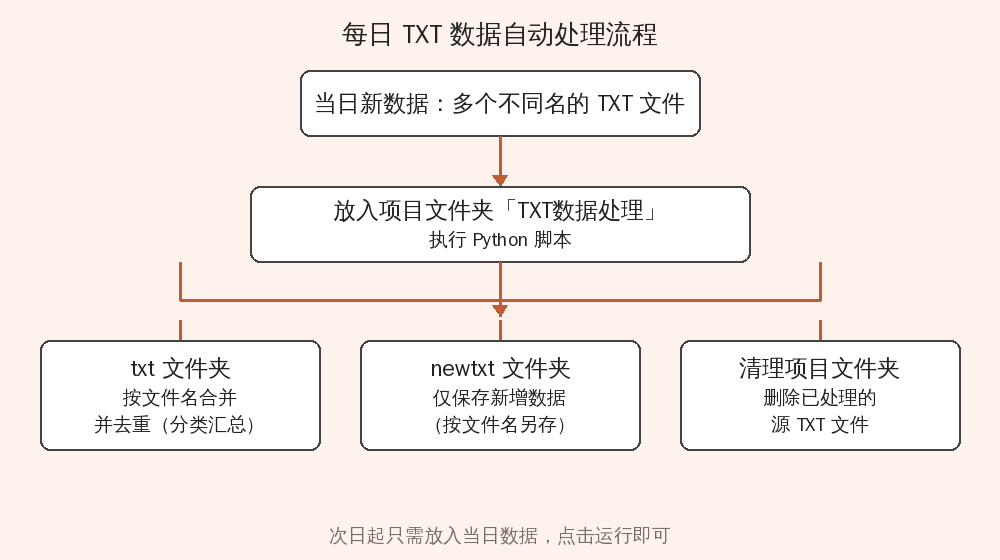
从第二天起,将当日的全部数据放入项目文件夹“TXT数据处理”,执行Python文件,程序将完成以下工作:
- 各个txt文件中的数据将合并到“txt”文件夹中对应文件名的txt文件中,并进行去重处理。即完成了分类汇总工作。
- 各个txt文件中的数据与“txt”文件夹中对应文件名的txt文件中数据进行对比,新增数据另存到“newtxt”文件夹中按各自文件名保存。
- 清除刚放入项目文件夹“TXT数据处理”文件夹的所有txt文件。
工作完成。
发表回复