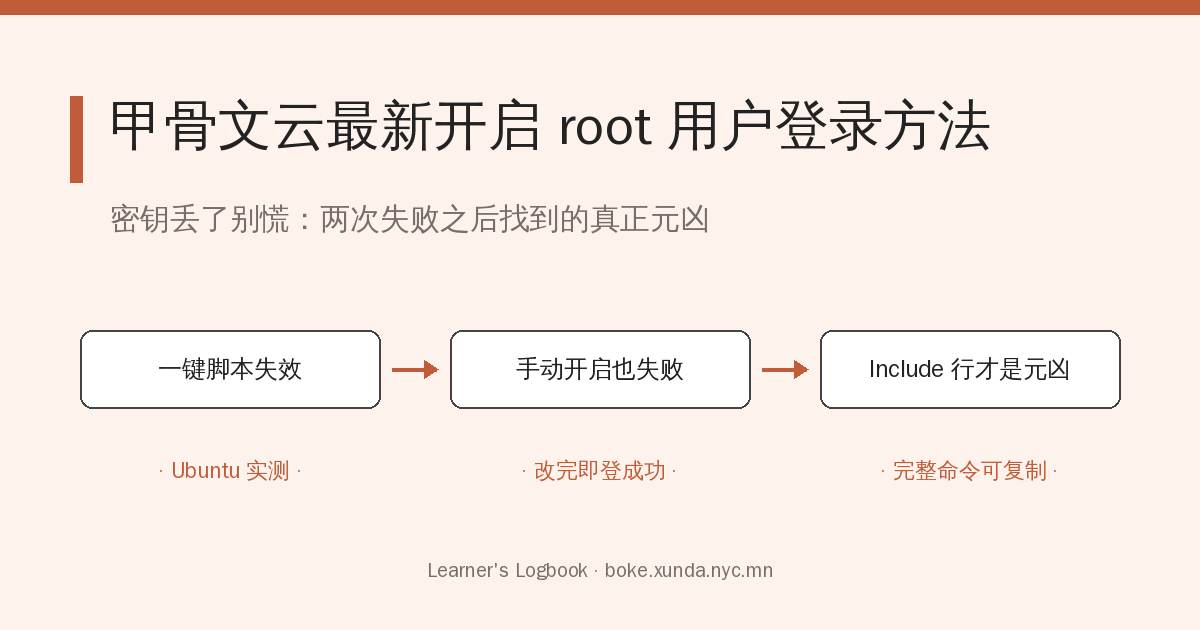
一、甬哥的一键脚本(登录不成功)
甲骨文云默认密钥登陆,如果密钥丢失,就会带来很大麻烦。以前有甬哥的一键脚本:
bash <(curl -Ls https://gitlab.com/rwkgyg/vpsroot/raw/main/root.sh)或:
bash <(wget -qO- https://gitlab.com/rwkgyg/vpsroot/raw/main/root.sh)但执行后,用root和密码登陆却怎么也不成功(原先是弹出输入密码框,输入密码,确定,又弹出输入密码框,取消,即登陆成功)。
二、继续寻找:手动开启 root(依然不成功)
继续寻找,找到了以下方法:
切换为 root 用户:
sudo -iecho root:xxxx |sudo chpasswd root
sudo sed -i 's/^#\?PermitRootLogin.*/PermitRootLogin yes/g' /etc/ssh/sshd_config;
sudo sed -i 's/^#\?PasswordAuthentication.*/PasswordAuthentication yes/g' /etc/ssh/sshd_config;
sudo service sshd restart注:xxxx 为你要设置的密码。
但是用root和密码登陆依然和前面的方法一样不成功。继续寻找,以上方法在 ubuntu 操作系统上存在问题,究其原因为 ubuntu 操作系统中的 /etc/ssh/sshd_config 文件在 12 行 Include /etc/ssh/sshd_config.d/*.conf 文件,直接注释掉这一行即可
三、究其原因:sshd_config 的 Include 行(最终成功)
所以整体的代码是:
切换为 root 用户:
sudo -iecho root:xxxx |sudo chpasswd root
sudo sed -i 's/^#\?PermitRootLogin.*/PermitRootLogin yes/g' /etc/ssh/sshd_config;
sudo sed -i 's/^#\?PasswordAuthentication.*/PasswordAuthentication yes/g' /etc/ssh/sshd_config;
sudo sed -i '/^Include \/etc\/ssh\/sshd_config.d\/*.conf/s/^/#/' /etc/ssh/sshd_config
systemctl restart sshd用root和密码登陆,直接成功,并且没有前面的继续弹出输入密码界面的问题。
发表回复